Photo editor · macOS

milkglass

Film looks for digital photos.

Open a RAW or JPEG and choose a film stock. Use it as it is, or adjust the color, exposure and grain.

Download on the Mac App Store

Free to try for 7 days · $49.99 USD to unlock · macOS 14 or later
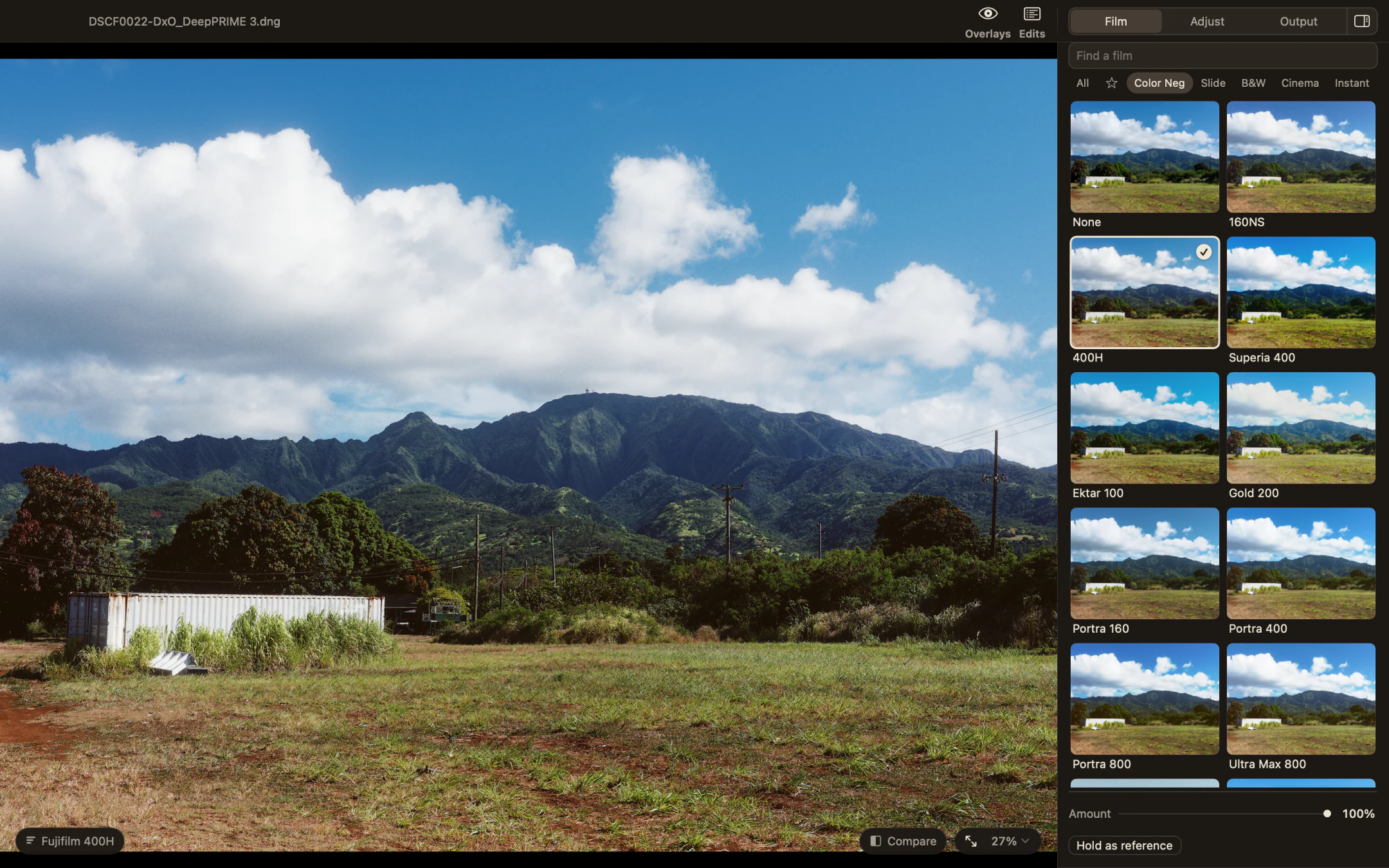
Milkglass with the Film page open beside a photograph of a green field and mountains, Fujifilm 400H selected.
Fujifilm 400HThe film picker, with the photograph in view.Open any screenshot for a closer look.

From RAW to film

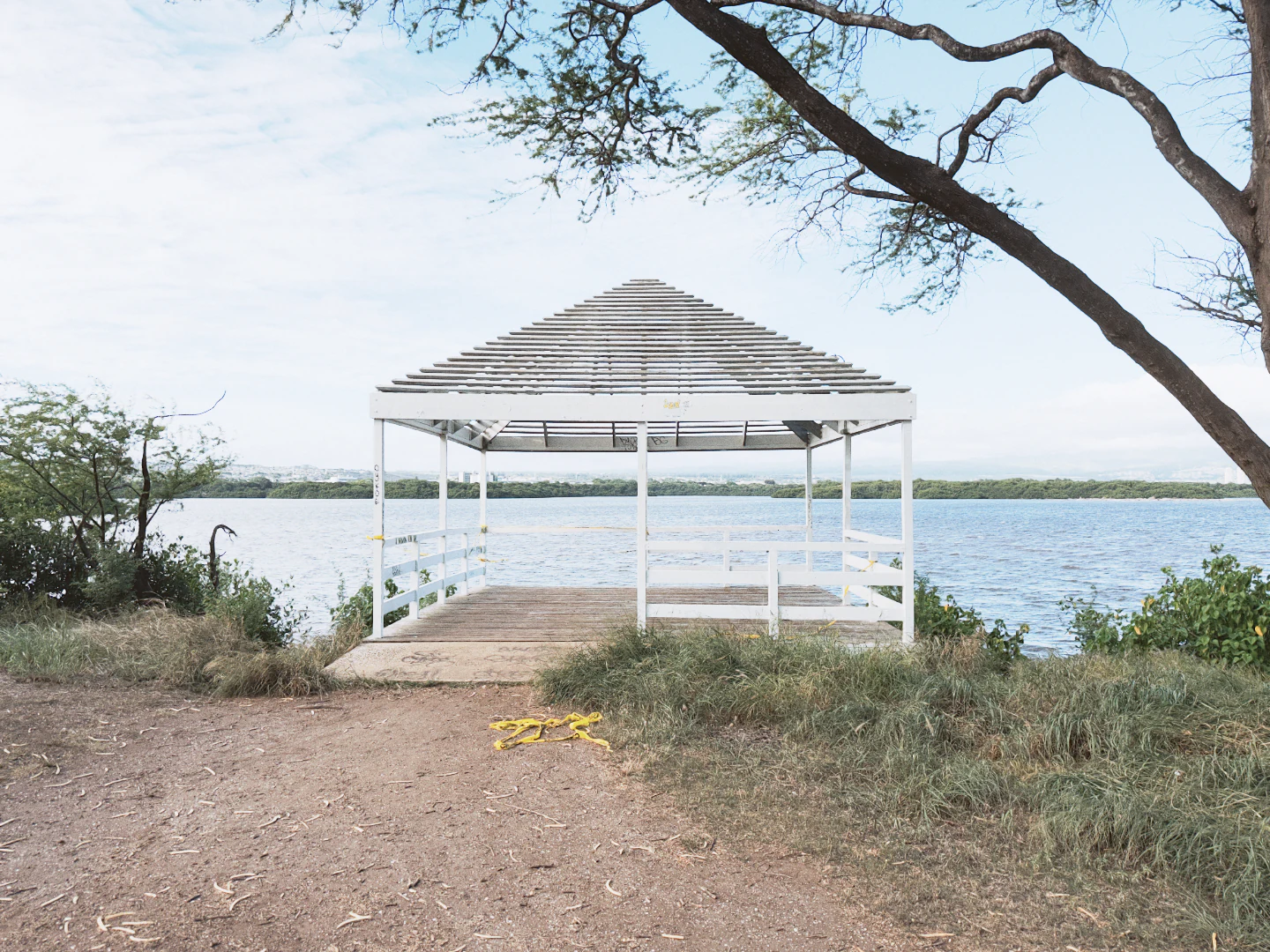
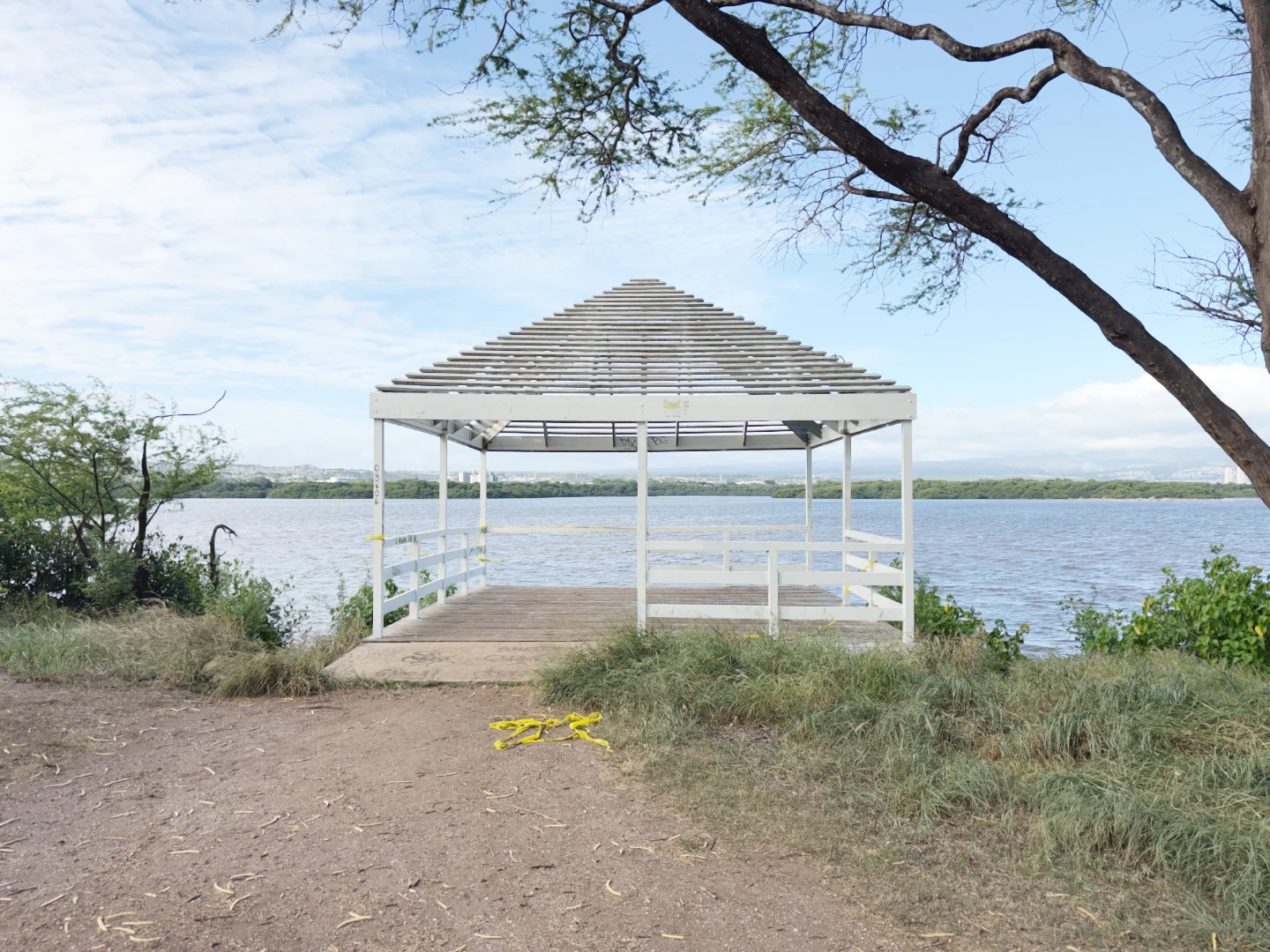
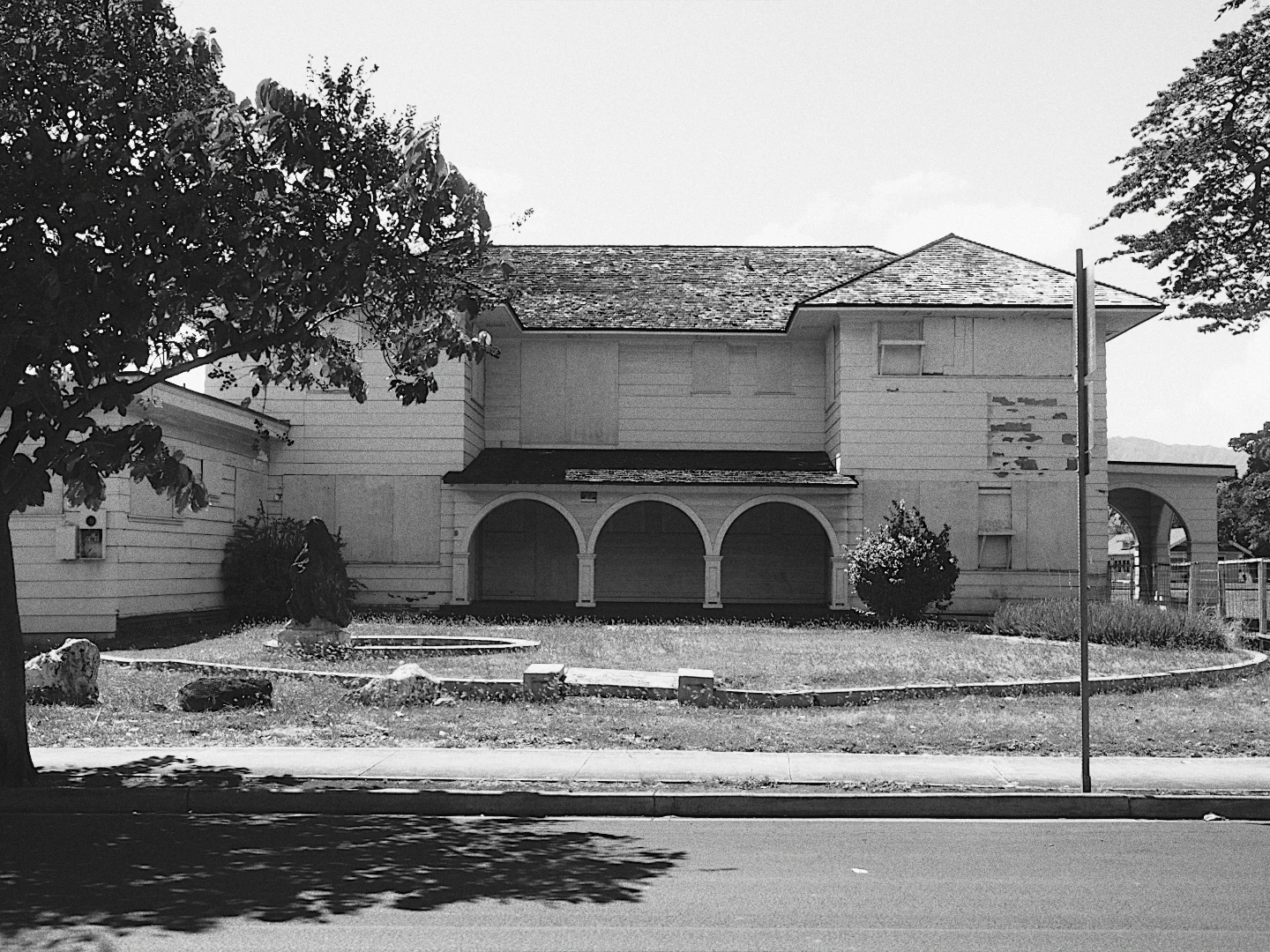
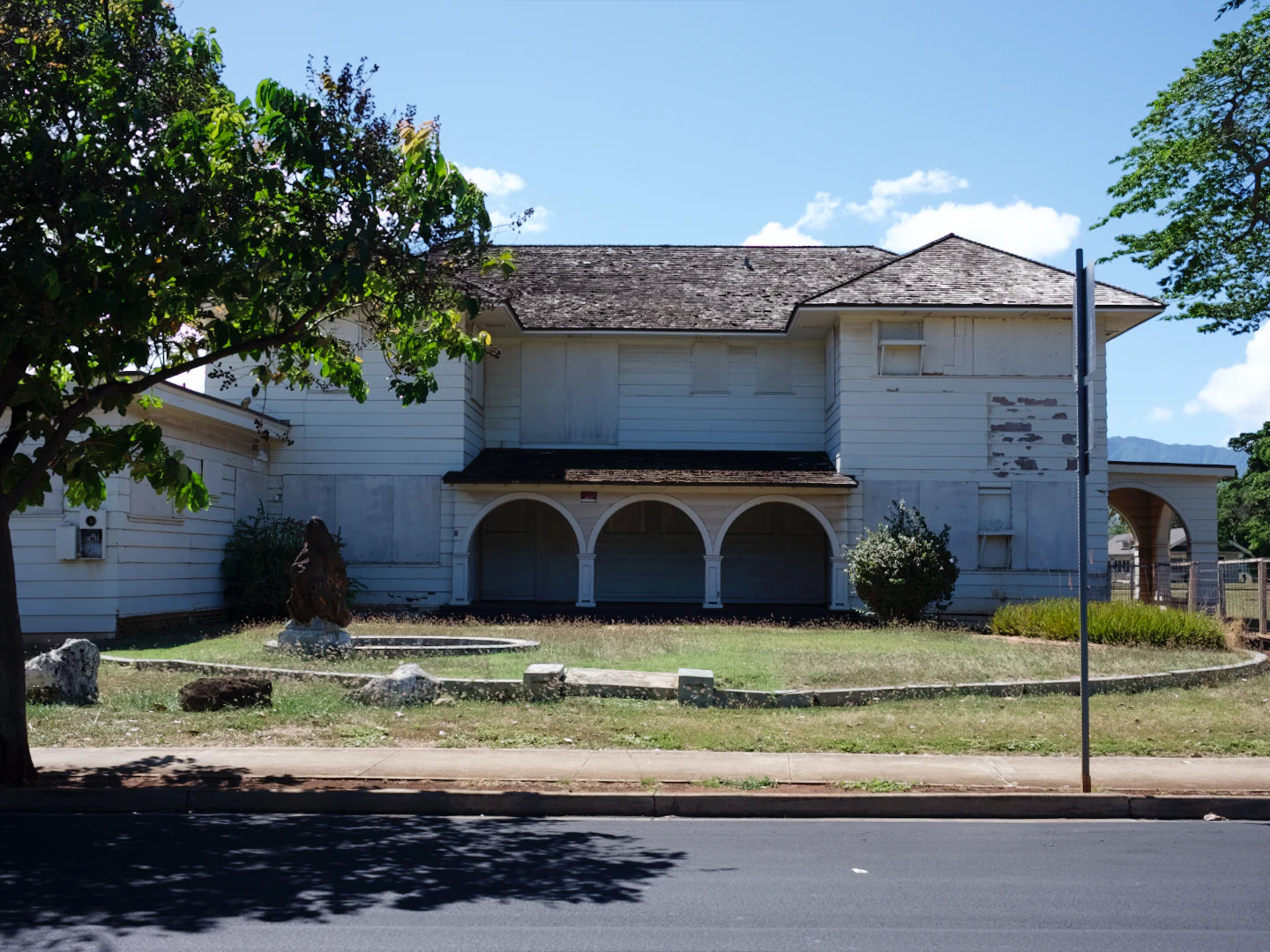
Colors the way you remember them, not the way some influencer’s preset says they should look. Same RAW on both sides, one film stock, nothing else touched.
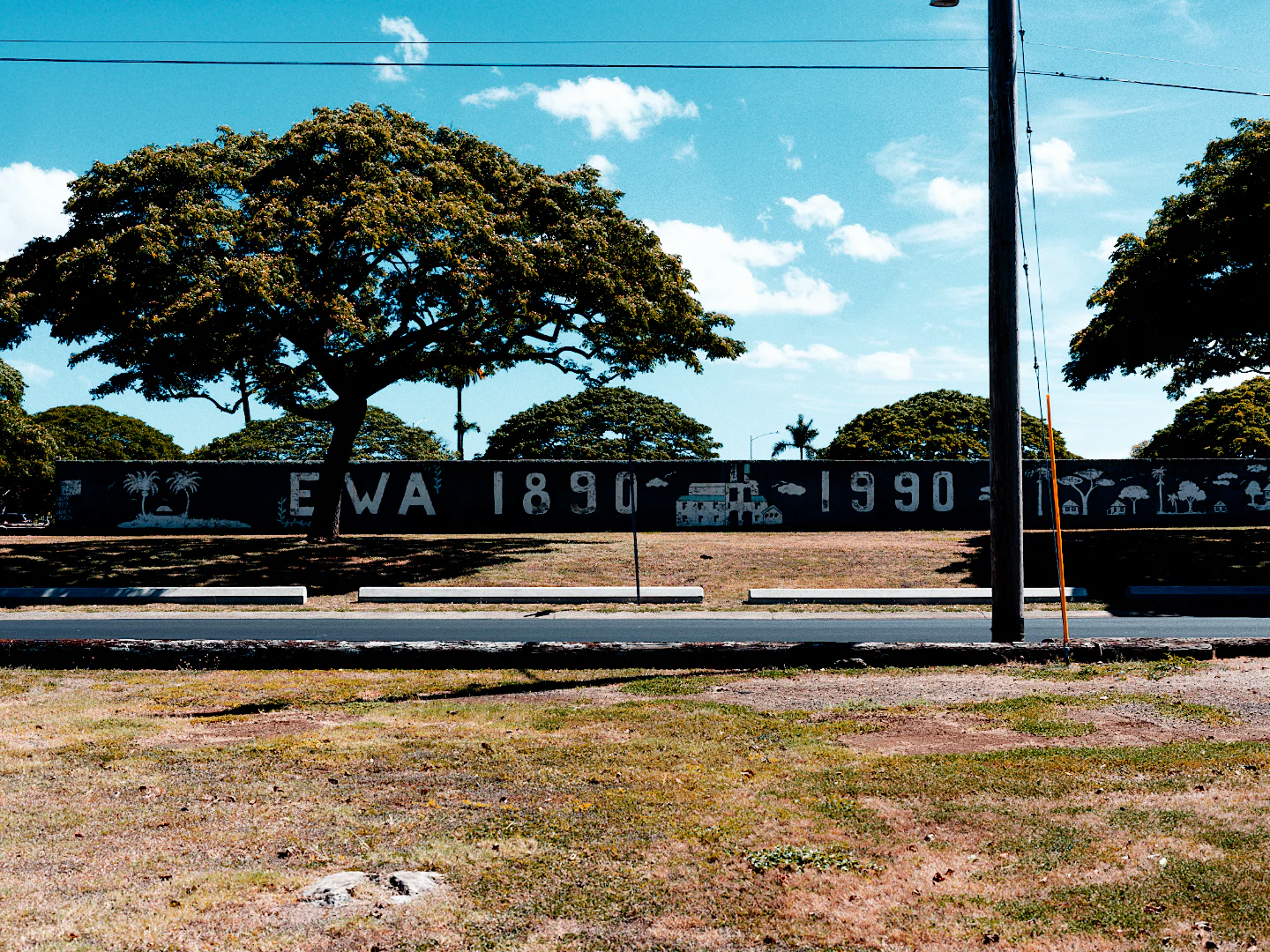
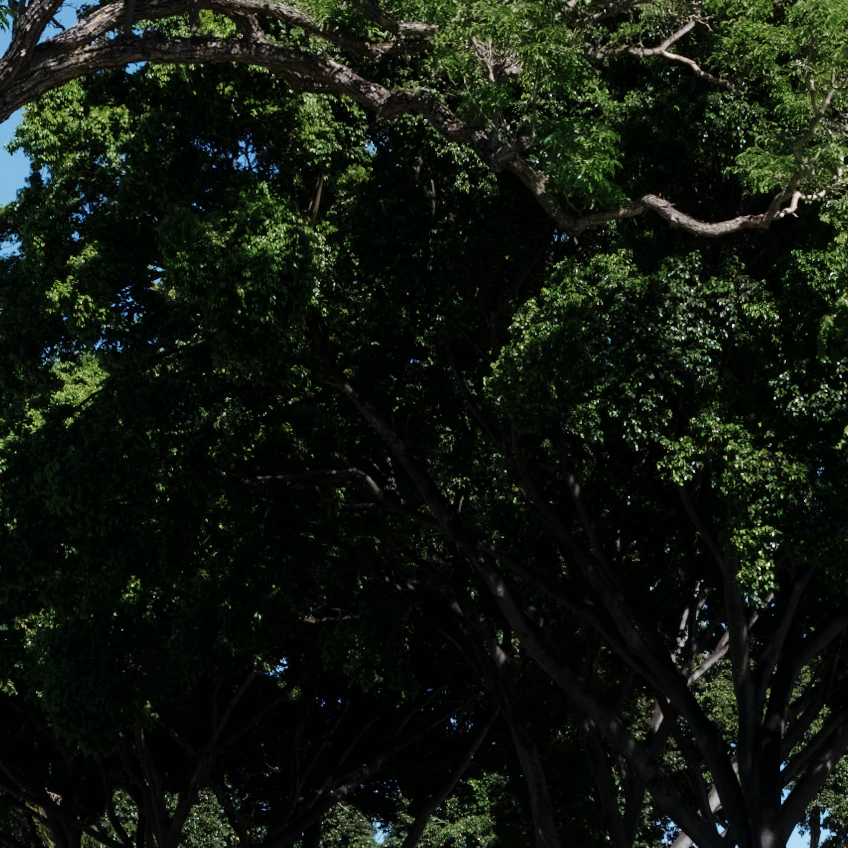
Leaves in deep shade under a tree, crushed to black, with the Kodak Gold 200 colors applied as a LUT. LUT
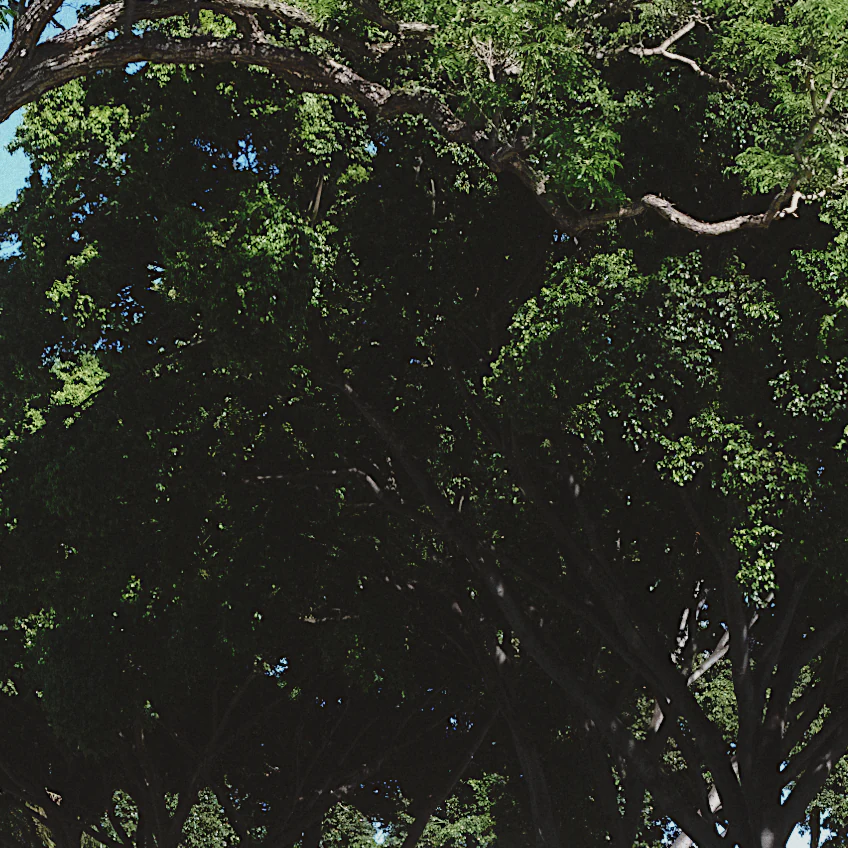
The same shade in milkglass with Kodak Gold 200, the leaves still there. milkglass
In the shade, Kodak Gold 200 both sides. A LUT crushes it; film tone keeps the toe.
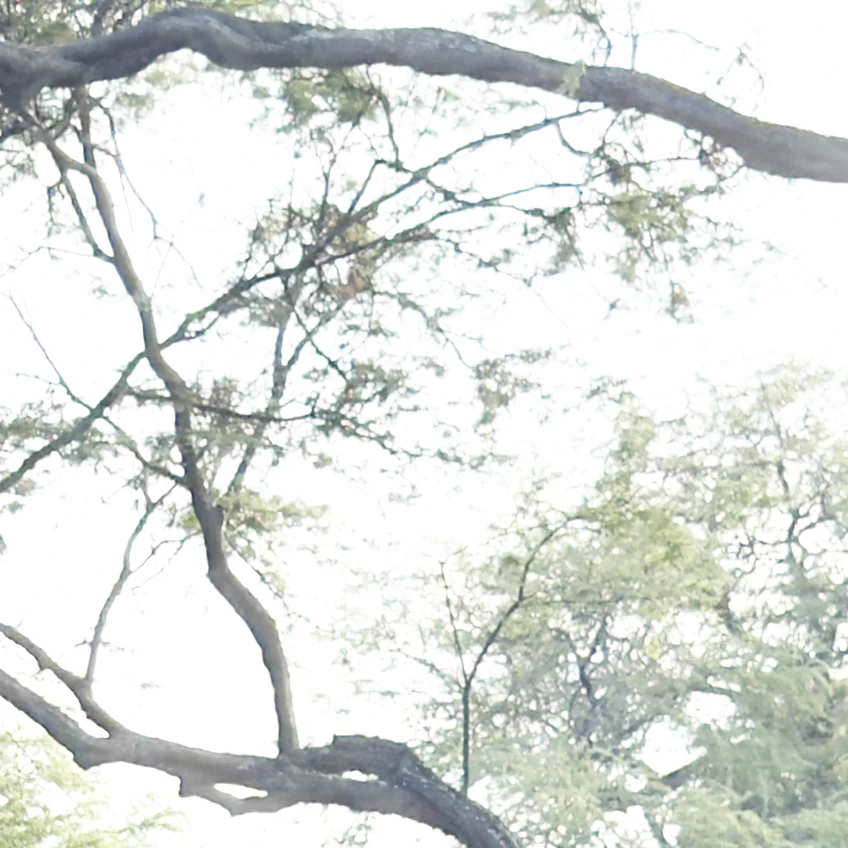
Thin branches against a bright sky, shot a stop over, the sky blown to white with the Kodak Gold 200 colors applied as a LUT. LUT
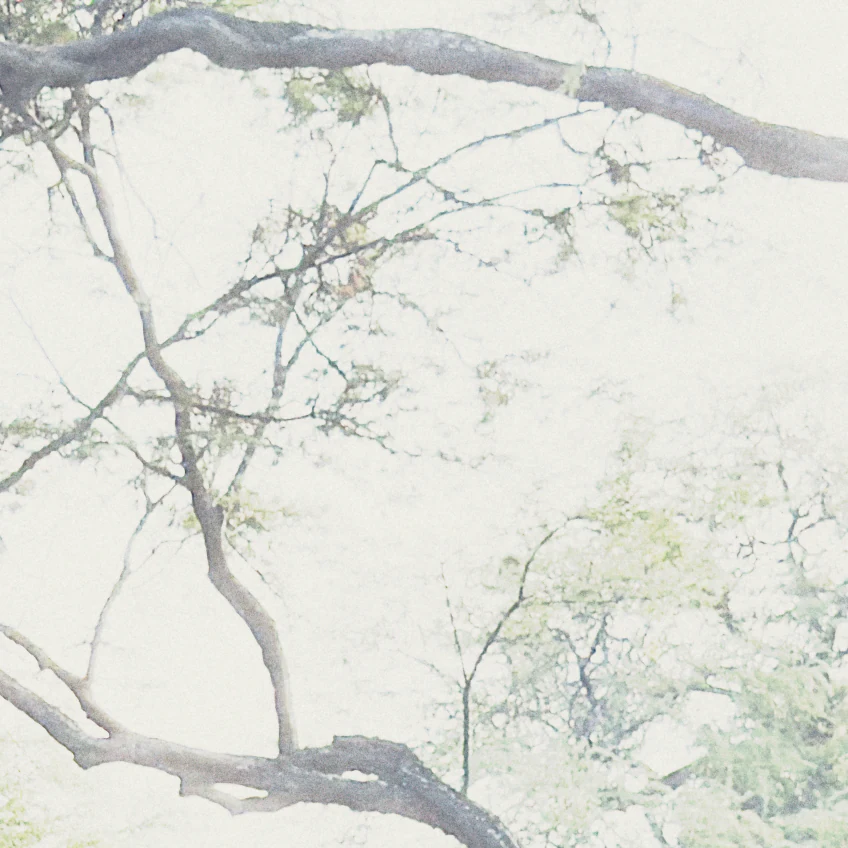
The same branches in milkglass with Kodak Gold 200, the sky held and every twig drawn. milkglass
A stop over, same stock. A LUT clips to white; the film shoulder rolls off.

Grain, up close

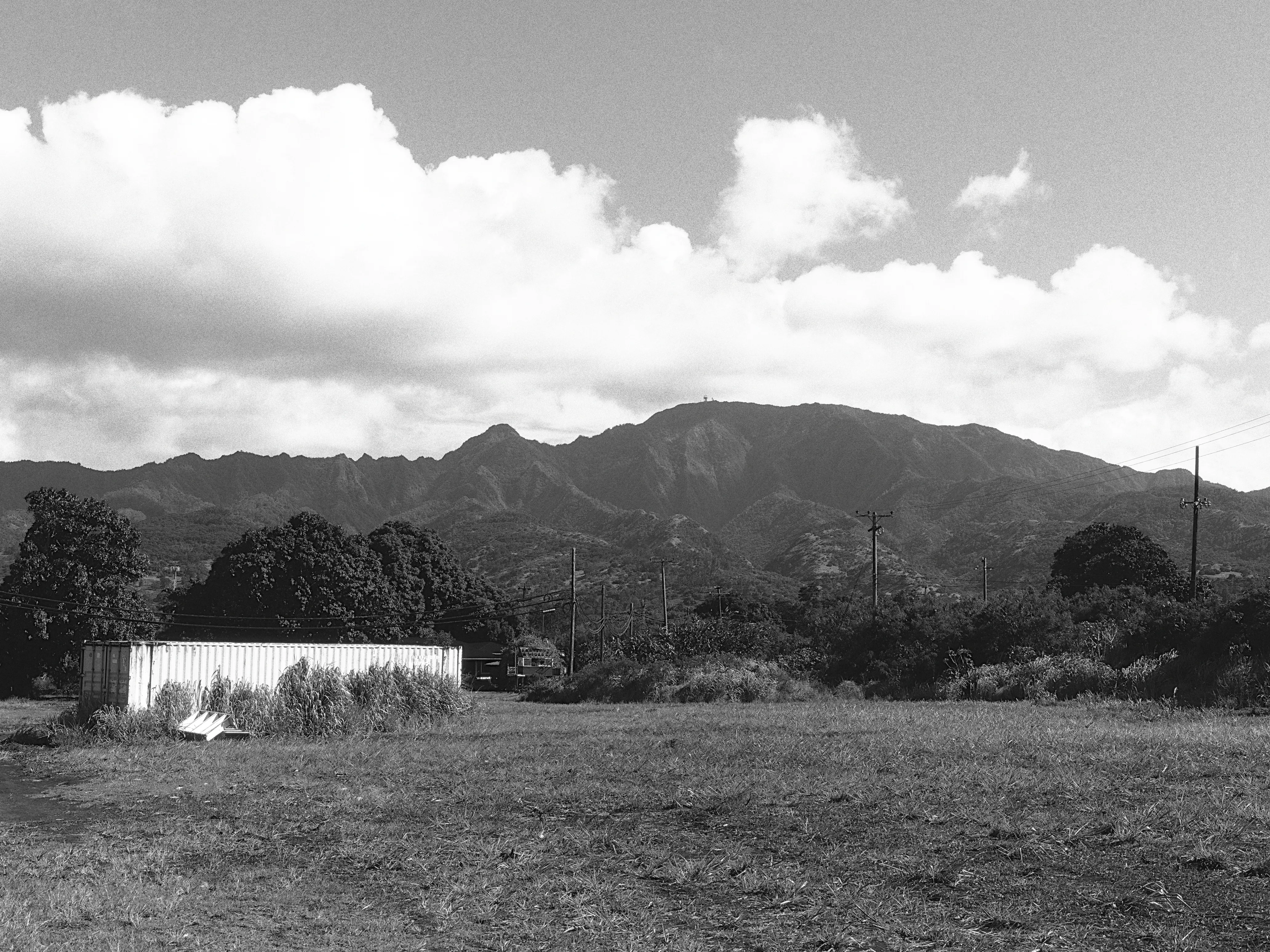
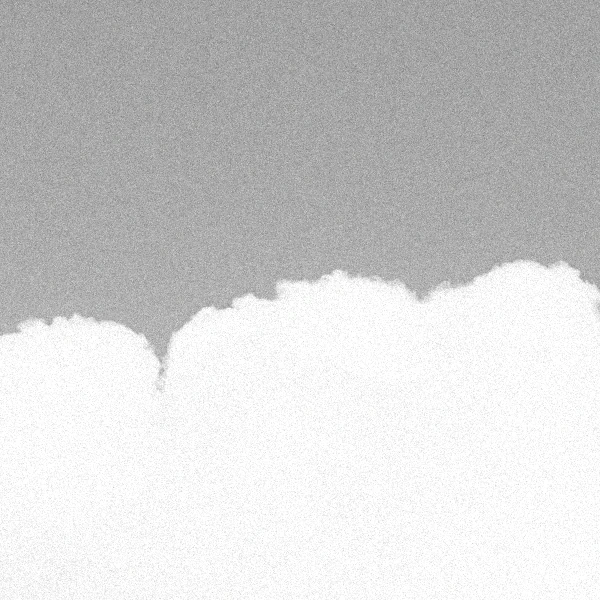
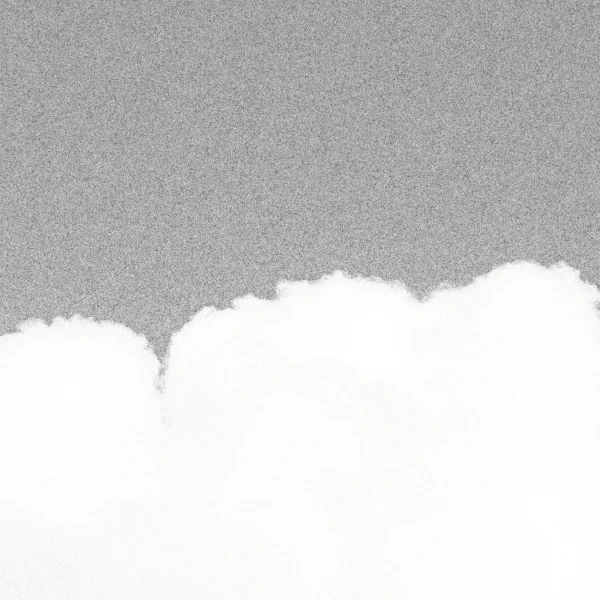
A typical grain filter lays the same even noise over the whole photo. On film, grain follows the light: heavier in the midtones, fading out of clean whites and deep shadows. milkglass grain does the same.
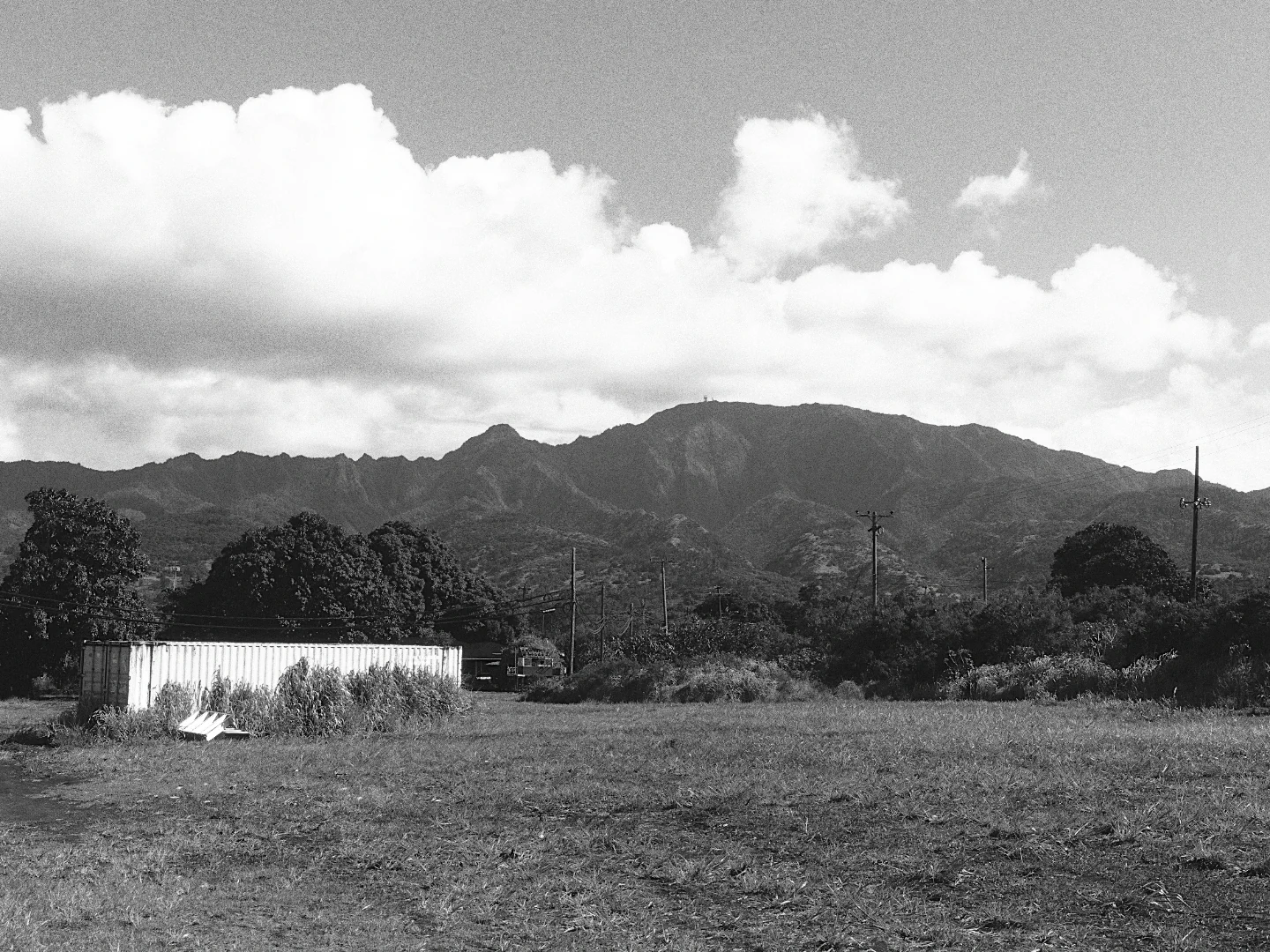
A field below a mountain ridge under white clouds, in black and white with Ilford HP5 Plus 400. Ilford HP5 Plus 400
A cloud edge against grey sky, close up, with no grain. No grain
The same cloud edge with an even noise over sky and cloud alike. Uniform
The same cloud edge in milkglass, grain in the grey sky and a clean white cloud. milkglass
The same spot, close up. Uniform is an even noise at the same midtone strength, made for this comparison.

Too sharp to be film

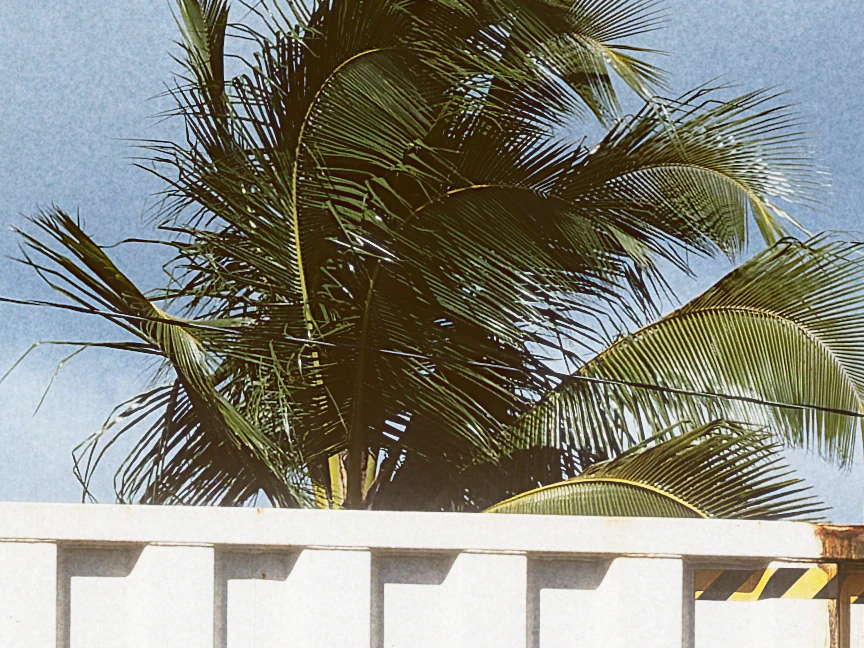
The dead giveaway of a digital file is that it’s too sharp. Every frond and every letter is cut clean, right down to the pixel. Film doesn’t hold that much. Each stock has its own MTF, the fine detail it can carry before it melts into the grain, and milkglass gives every film its own.
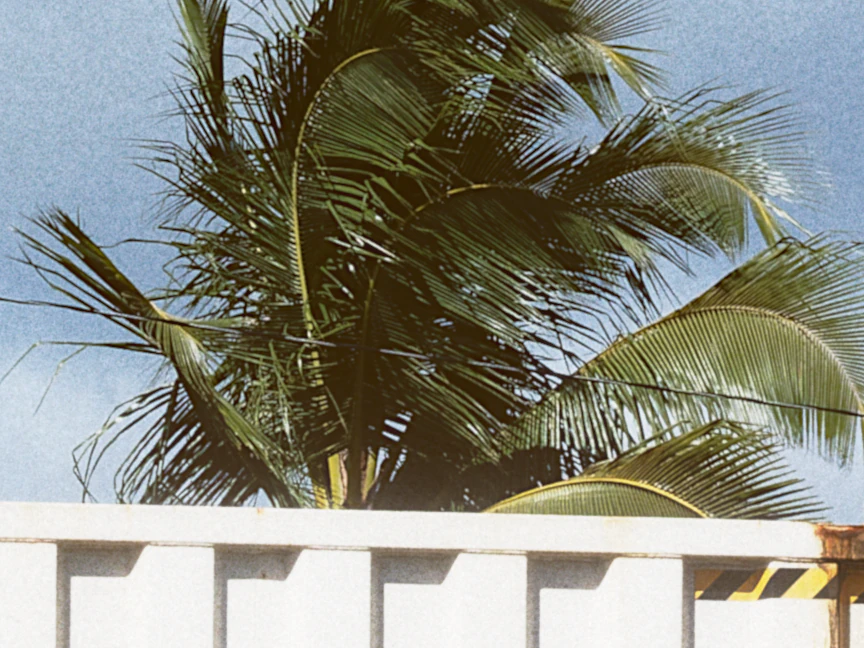
Palm fronds over a container roof at 100 percent, with the fine detail Kodak Ultra Max 800 can hold. Film MTF
The same fronds with digital sharpness, every strand cut clean. Digital
Kodak Ultra Max 800 at 100 percent, with Soften to the film off, then on.

A look inside

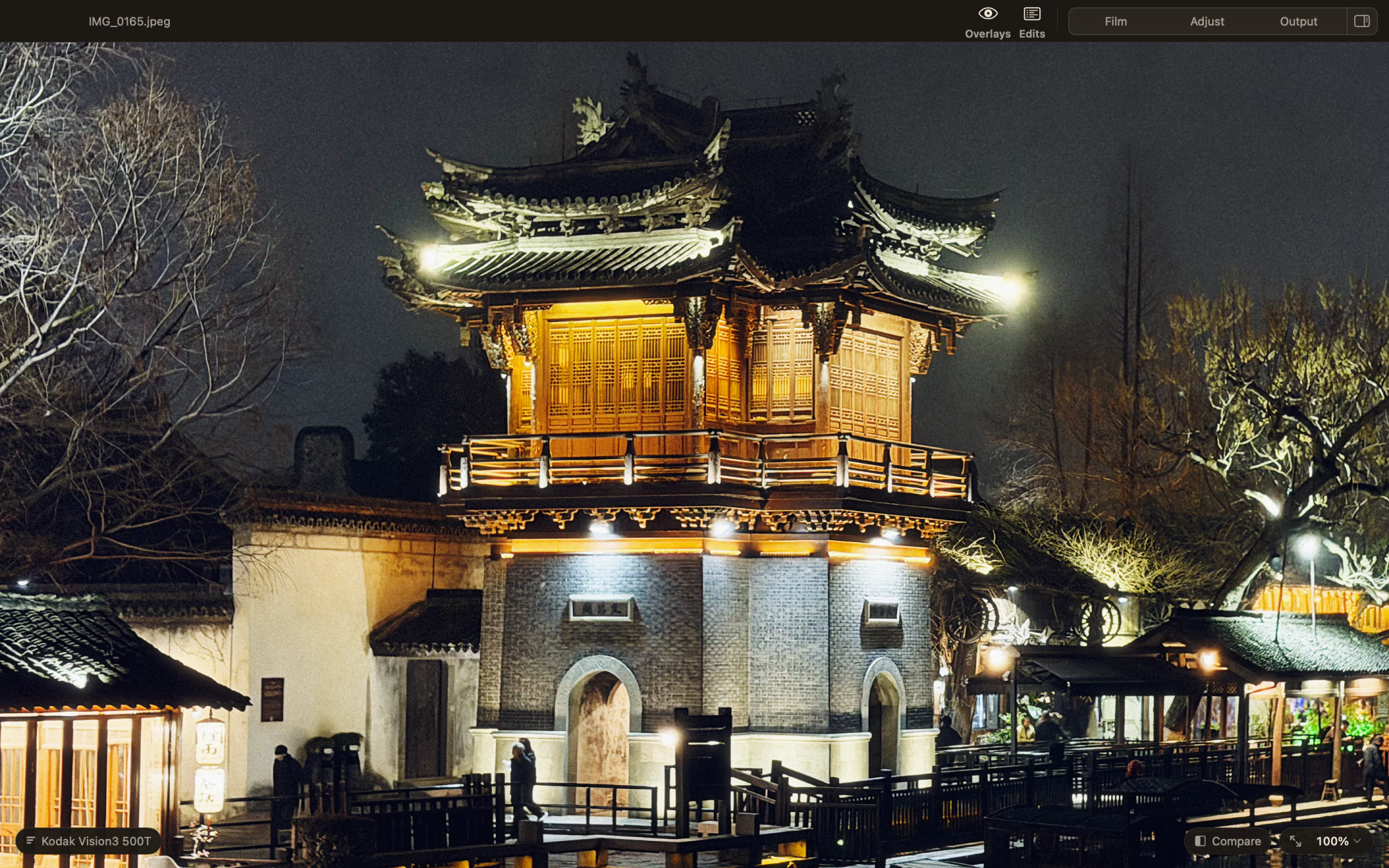
A lit pavilion at night at 100 percent in Milkglass, with Kodak Vision3 500T applied.
Kodak Vision3 500TA night scene with a cinema film stock.
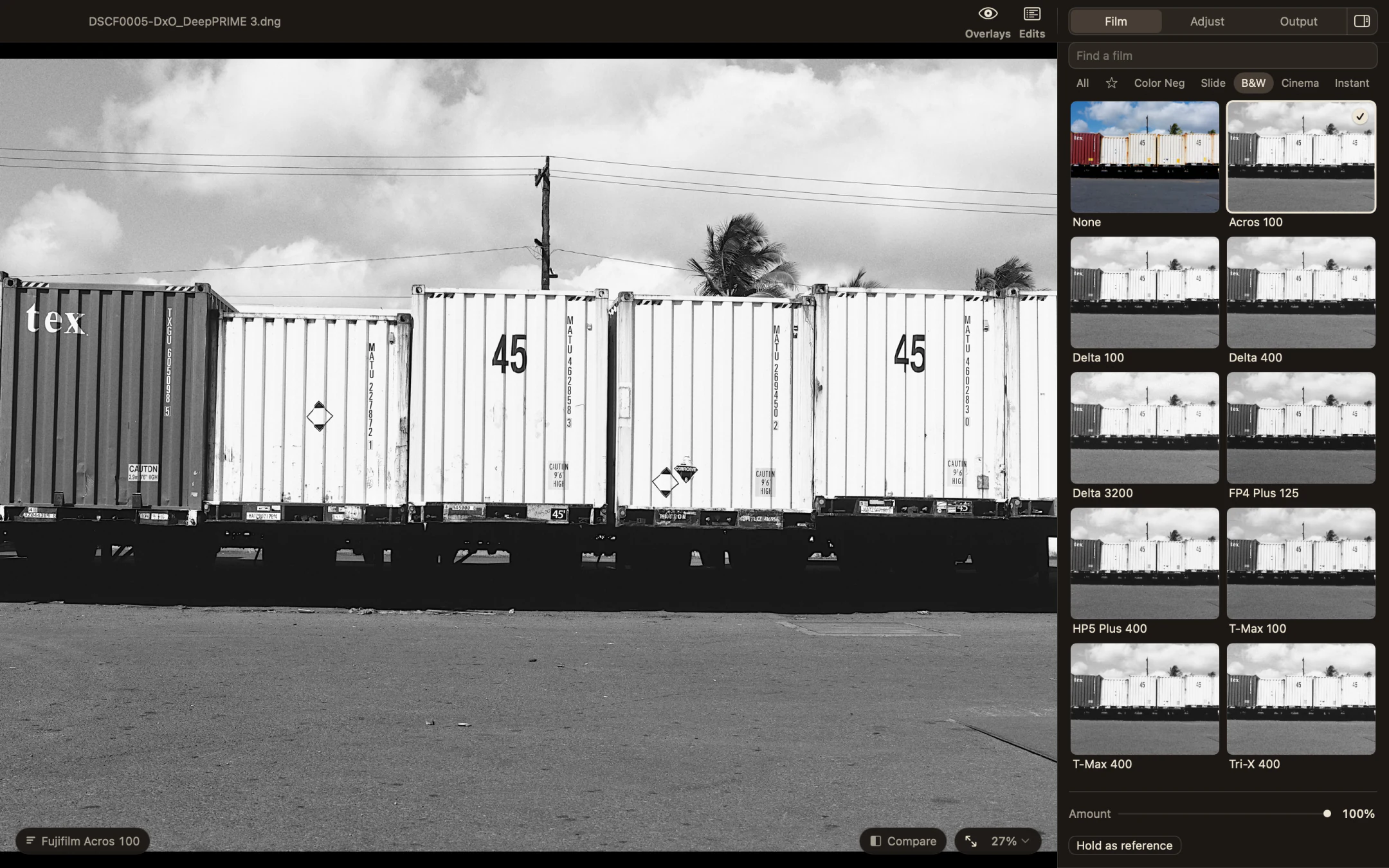
The Film page in Milkglass showing the black and white stocks, Fujifilm Acros 100 selected beside a photograph of shipping containers.
Fujifilm Acros 100Shipping containers in black and white.
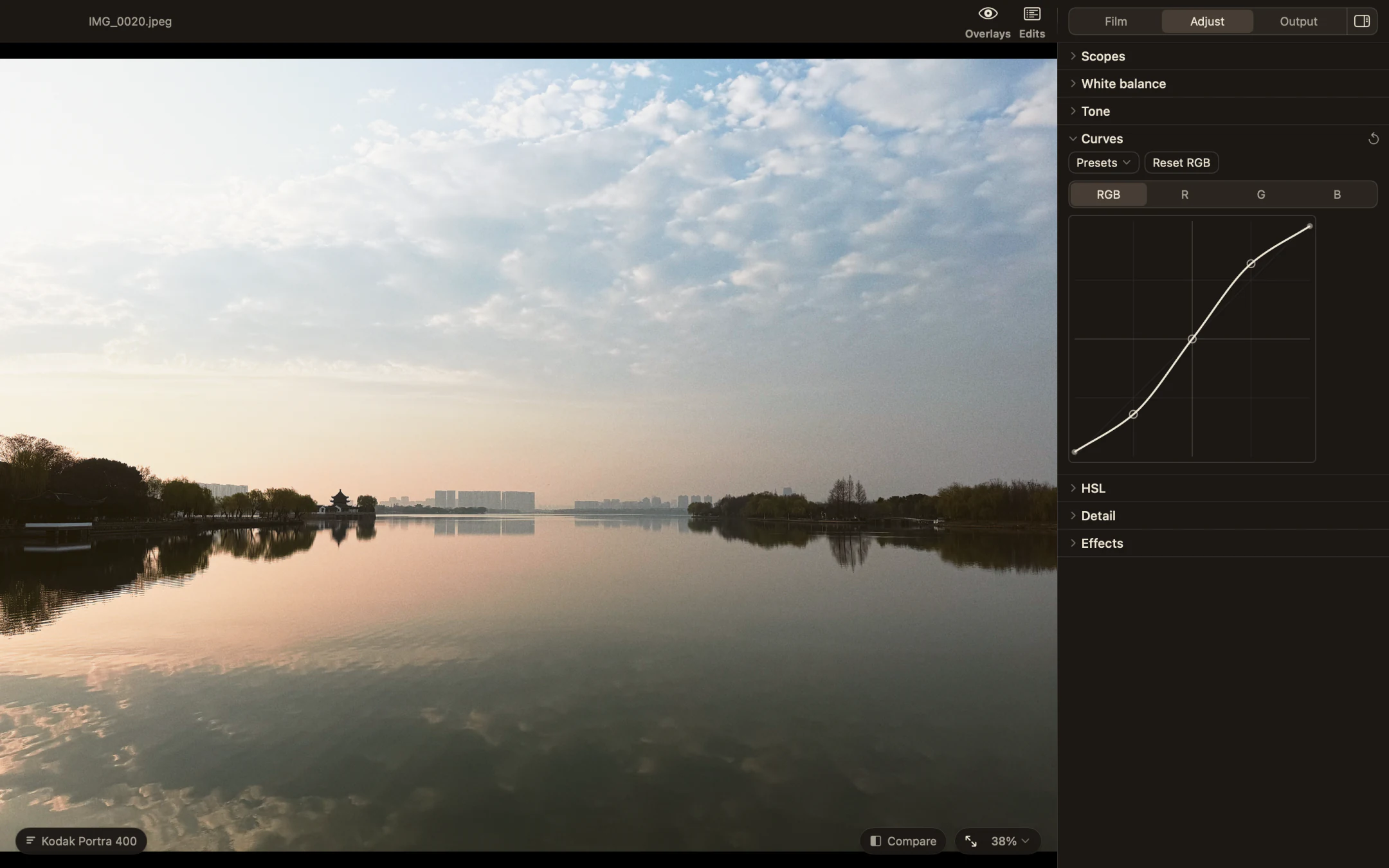
Milkglass showing a misty lake with the Curves section open in the Adjust page.
Kodak Portra 400Adjusting the contrast with curves.
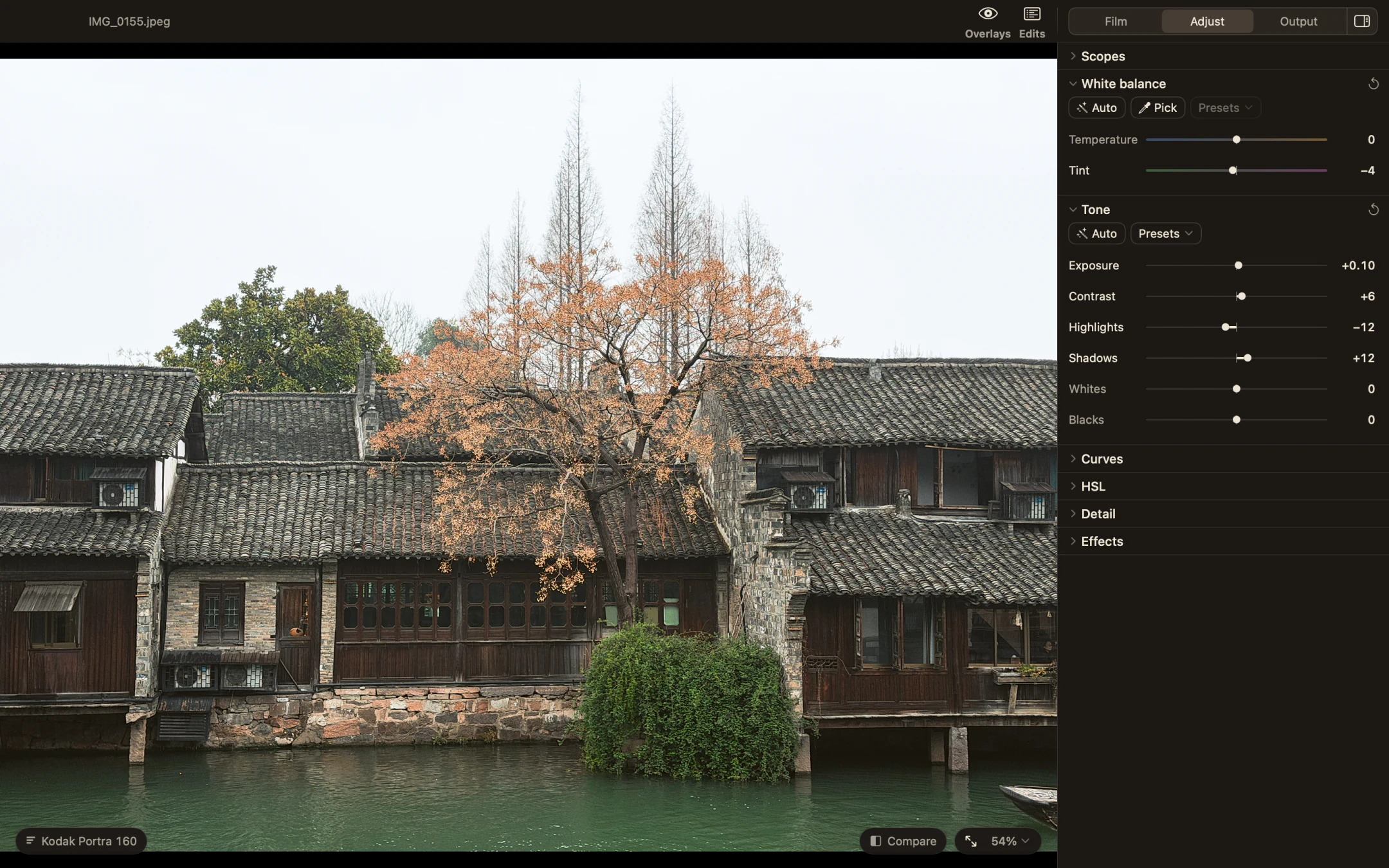
Milkglass with the White balance and Tone sections open beside a waterside photograph.
Kodak Portra 160White balance and tone controls beside the photograph.
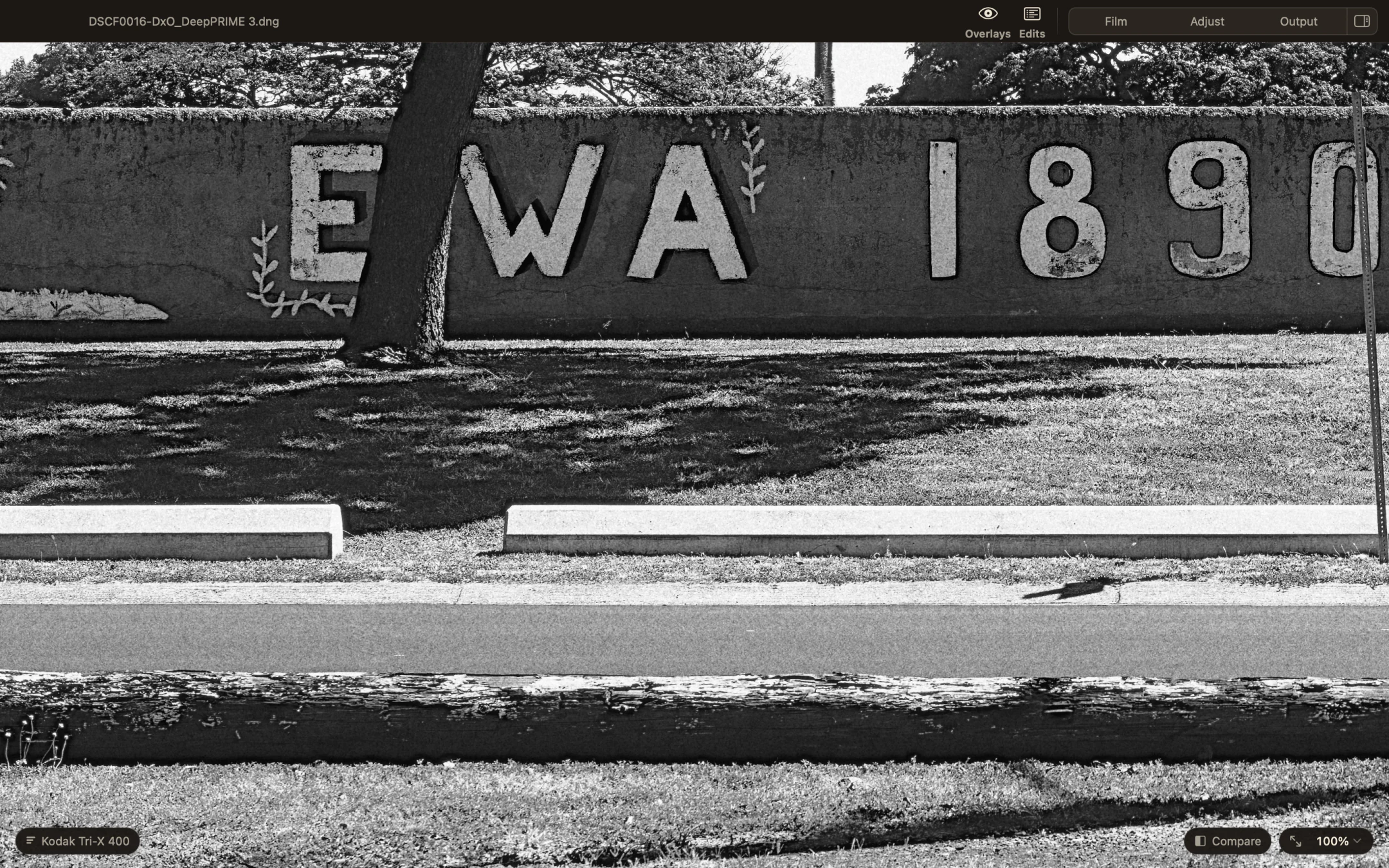
A painted wall at 100 percent in Milkglass with Kodak Tri X 400, showing the grain.
Kodak Tri X 400A closer look at the grain, at 100 percent magnification.

Working with film looks

Based on real film

The stocks are based on manufacturer data and film research. Where that data isn’t available, milkglass uses measured scans and a related stock.

Grain and glow

Grain and the glow around bright lights change with your photo. Adjust them separately to get the amount you want.

Adjust the result

Choosing a film doesn’t lock in the result. Adjust the white balance and contrast, or use curves for more control. Your original file stays unchanged.

Pricing

$49.99 USD

Free to try for 7 days, then unlock it through the Mac App Store. No subscription.

Get milkglass on the Mac App Store

Questions

What macOS do I need?
macOS 14 (Sonoma) or later. Apple silicon or Intel.
Can I use JPEGs?
Yes. Open RAW files, JPEG, HEIF, TIFF, PNG and WebP. Export JPEG, PNG and TIFF. See supported files for camera support.
Does milkglass collect my photos or data?
No. Your photos and edits stay on your Mac. There’s no account or analytics. Apple checks your purchase at launch and when you use Restore Purchases.